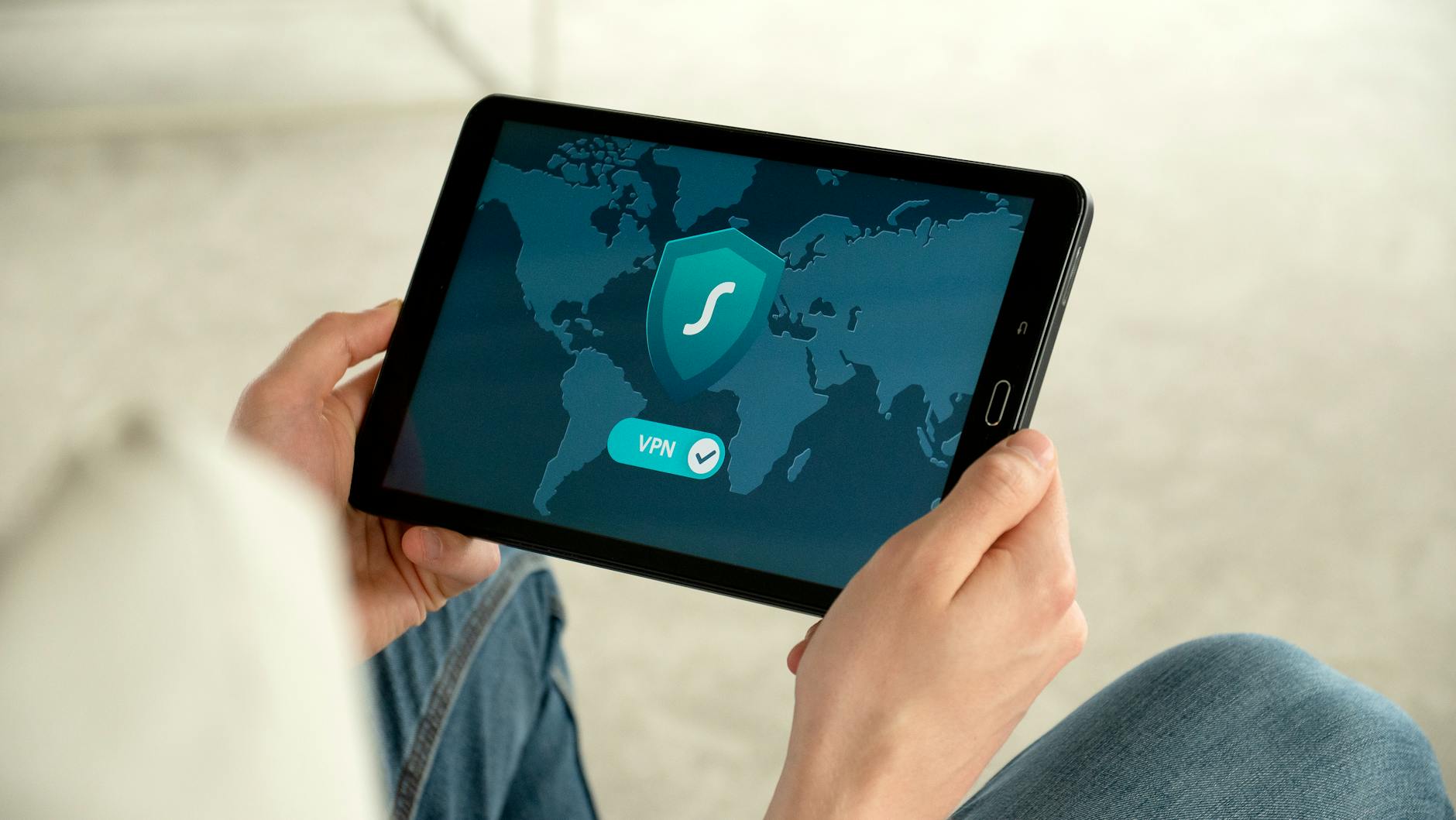
The data privacy guide provides essential steps to enhance your online security. By following these eight strategies, you can protect your personal information from unauthorized access and cyber threats.
1. Use Strong, Unique Passwords
Creating strong, unique passwords is your first line of defense against unauthorized access. Use a mix of uppercase letters, lowercase letters, numbers, and symbols to craft passwords that are difficult to crack. When you have different passwords for each account, it reduces the risk of a single point of failure.
If you struggle to keep track of multiple complex passwords, consider using a password manager. These tools help you generate and store unique passwords securely, ensuring you never have to reuse a password, a common mistake that can lead to data breaches.
Cybersecurity is crucial, especially when managing passwords. Make it a practice to change your passwords regularly and avoid using easily guessable information like birthdays or names.
Pro tip: Use a passphrase instead of a password for added security. A phrase is easier to remember and can include a combination of random words.
2. Enable Two-Factor Authentication (2FA)
Two-factor authentication (2FA) adds an extra layer of security by requiring a second form of verification in addition to your password. This additional step can include codes sent via SMS or email or verification through authenticator apps like Google Authenticator or Authy.
By enabling 2FA, you make it significantly harder for hackers to gain access to your accounts, even if they somehow acquire your password. It’s a simple step that vastly improves your security posture.
Many online services offer 2FA as an option; make sure to activate it wherever possible. This is especially important for sensitive accounts like banking or email.
Try this: Set reminders to check if 2FA is available for the apps you use most frequently. A slight effort can lead to significant peace of mind.
3. Regularly Update Software and Devices
Regular software updates are essential for maintaining security. Developers frequently release updates that include security patches to protect against new vulnerabilities. Ignoring these updates can leave your system exposed to attacks.
To make keeping track easier, enable auto-updates on your devices and applications wherever possible. This ensures that you automatically receive critical updates without needing to remember to check manually.
Keeping your operating system, browsers, and applications up to date protects your information from threats that exploit security flaws. Make it a habit to periodically check for updates.
Pro tip: Create a schedule to remind yourself to check for updates on all your devices at least once a month.
4. Be Cautious with Public Wi-Fi
While public Wi-Fi networks can be convenient, they are often unsecured, making them a prime target for cybercriminals. Data transmitted over unsecured networks can be easily intercepted, putting your personal information at risk.
To protect your data, use a Virtual Private Network (VPN) when connecting to public Wi-Fi. A VPN encrypts your internet connection, making it challenging for hackers to access your sensitive data.
Always think twice before logging into sensitive accounts or making transactions while connected to public Wi-Fi. Public networks can be a playground for cybercriminals.
Try this: When using public Wi-Fi, only access accounts that don’t require sensitive information and always exit the network when you’re done.
5. Limit Sharing Personal Information
In the age of sharing, it’s easy to overshare personal information online. Be mindful of what you post on social media and other platforms. Sometimes, seemingly harmless information can be pieced together to create a detailed profile of you.
Adjust privacy settings on your social media accounts to control who can see your posts. Limit your audience and be selective about what you share, especially concerning your location or other sensitive details.
Review the privacy policies of platforms you use to understand how they handle your data. This knowledge empowers you to make better choices about your online presence.
Pro tip: Conduct an online audit of your profiles every few months to ensure you’re not sharing more information than necessary.
6. Review Privacy Settings on Your Accounts
Your online accounts often come with various privacy settings that can protect your personal information. Make it a habit to periodically check and update these settings to ensure maximum privacy.
Familiarizing yourself with a platform’s privacy policies can provide insight into how your data is used and stored. This knowledge can help you make informed decisions about what information to share.
Additionally, controlling who can view your posts and information can safeguard you from unwanted attention or data breaches. Take time to navigate through the privacy settings of every service you use.
Pro tip: Set a calendar reminder at the start of each quarter to review the privacy settings of your most-used accounts.
7. Monitor Your Accounts for Unusual Activity
Regularly monitoring your financial accounts is vital for catching unauthorized transactions early. Check your bank statements, credit card statements, and online accounts for signs of suspicious activity.
Consider using identity theft protection services that monitor your accounts for unusual activity. These services can alert you quickly, helping to minimize potential damage.
Staying proactive about monitoring can save you time, money, and stress. If you notice anything unusual, take action immediately and report it to your financial institution.
Try this: Set up fraud alerts with your bank and credit card companies to receive notifications about any unusual transactions.
8. Educate Yourself About Phishing Scams
Phishing scams continue to be a popular method for cybercriminals aiming to steal personal information. Familiarize yourself with the common signs of phishing emails and websites, which often include misspellings or generic greetings.
Don’t click on suspicious links or provide personal information to unverified sources. Always verify the legitimacy of requests for sensitive data by checking directly with the organization involved.
Educating yourself on the tactics used by scammers is crucial in protecting your information. Staying informed can help you avoid falling victim to these malicious attacks.
Pro tip: Consider taking online courses to stay updated on security threats and best practices for data protection.
Conclusion
In summary, a comprehensive data privacy guide equips you with the essential tools needed to protect your personal information. By following these eight steps—using strong passwords, enabling 2FA, updating software, and remaining aware of your online presence—you can significantly enhance your data privacy and mitigate risks.
In a world where cyber threats are ever-present, taking proactive measures today can save you from severe consequences tomorrow. Don’t wait for a data breach to take action!
Frequently Asked Questions
How often should I change my passwords?
Changing your passwords regularly can prevent unauthorized access. Many experts recommend changing them every 3 to 6 months or immediately if you suspect a breach. For optimal security, use unique passwords for different accounts.
What is the best way to identify phishing emails?
Phishing emails often contain misspellings, generic greetings, and requests for personal information. To identify them, check the sender’s email address and hover over links to see their actual URL. If in doubt, verify with the legitimate source directly.
Is using a VPN necessary for home use?
While not always necessary for home use, a VPN can encrypt your internet connection, protecting your data from local threats. It is particularly beneficial when using public Wi-Fi. If privacy is your concern, using a VPN at home is a good practice.
What are some signs my personal information has been compromised?
Signs of compromised personal information include unexpected account lockouts, unusual transactions, and receiving notifications of account changes you didn’t make. Always act quickly if you notice these signs—for instance, immediately changing passwords and contacting affected institutions.