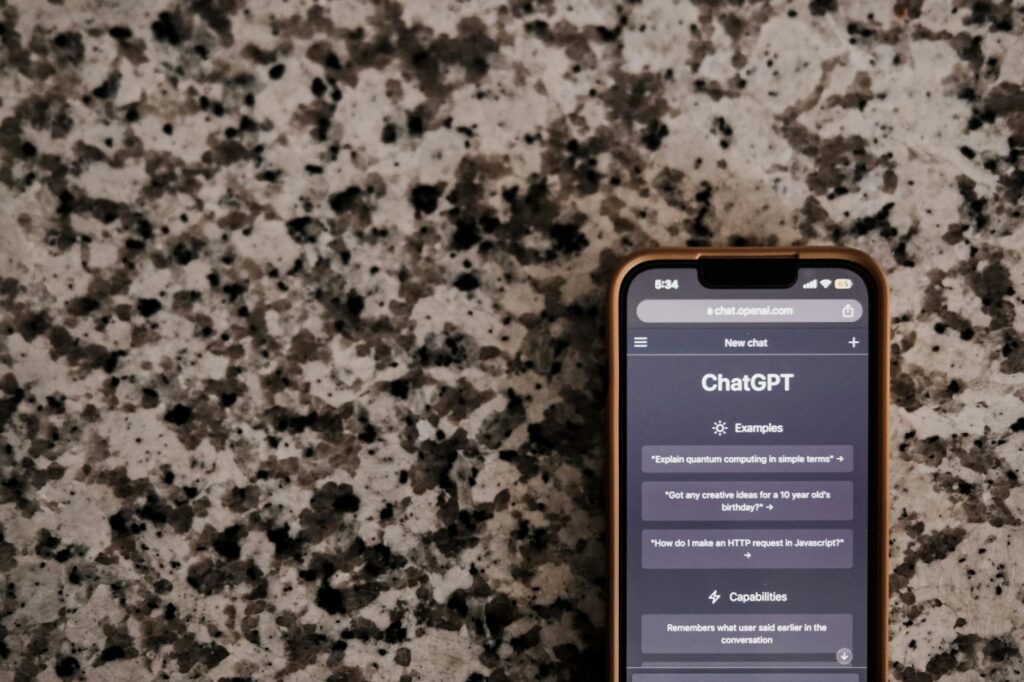
The Best AI Image Generators 2026 are set to revolutionize digital art, surpassing traditional tools like Midjourney. With remarkable advancements, they offer unique solutions across varied use cases.
Nano Banana 2: The 4K Wonder
The Nano Banana 2, also known as Gemini 3 Pro Image, sets itself apart with its 4K photorealism. It manages intricate scenes effortlessly, delivering visuals akin to studio photography. Imagine advertising campaigns that captivate audiences with lifelike images. This tool’s ability to render such high-quality images makes it indispensable for any creative endeavor seeking visual fidelity.
Consider an advertising project requiring a rich mountain landscape in 4K. Nano Banana 2 can craft it down to every pine needle. It is perfect for storytelling where visuals need to enthrall or for categories demanding precision, like architectural visualizations.
Pro tip: For ultimate realism in your visuals, combine automation tools with Nano Banana 2 for seamless scene creation.
Imagen 4’s Precise Realism
Google’s Imagen 4 redefines photorealistic rendering, minimizing anatomical errors in human depiction. Its focus on accuracy makes it a go-to for projects where realistic human or landscape representation is key. If you’re working on a travel blog, imagine presenting readers with immersive natural vistas that bring destinations to life.
This tool’s strength lies in generating human-like representations and landscapes with staggering detail. Whether it’s countryside valleys or bustling cityscapes, Imagen 4 provides authenticity and depth.
Try this: Utilize Imagen 4 for landscape-focused projects with accurate geographical details to enhance viewer engagement.
Adobe Firefly’s Customizable Creativity
Adobe Firefly offers unparalleled customization for image generation, catering to users from beginners to experienced professionals. Its user-friendly interface allows changes in aspect ratio and composition, making it adaptable for varied design needs. Offering a competitive price point starting at $10/month, it’s accessible and flexible.
With Adobe Firefly, artistic projects can see transformations with simple drag-and-drop adjustments. Whether your focus is on changing image backgrounds or tweaking shadow effects for enhanced depth, this tool delivers with ease.
Pro tip: Join AI tool reviews communities to share insights on optimizing Adobe Firefly settings for maximum efficiency.
Artistry with GPT Image 2
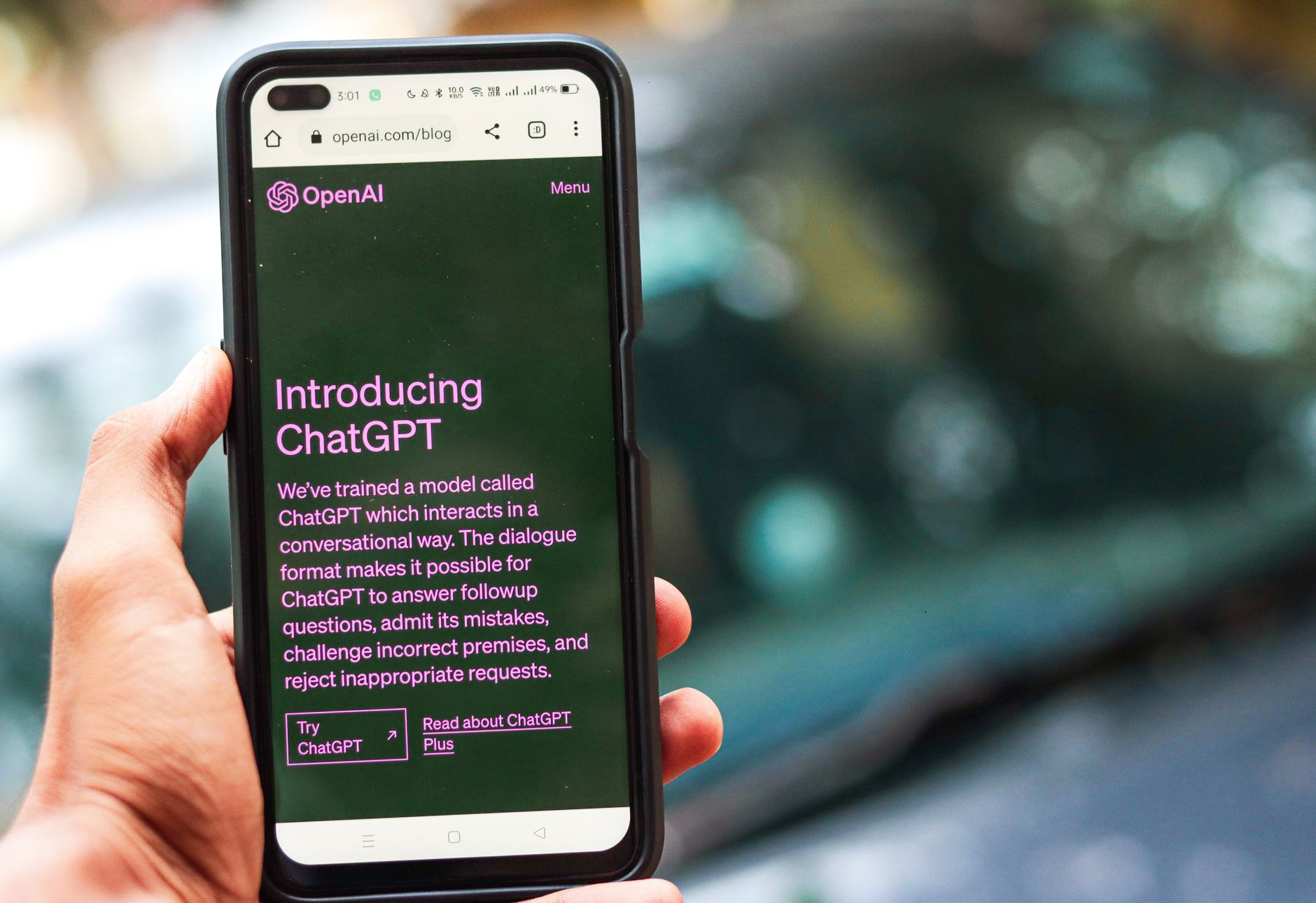
OpenAI’s GPT Image 2 provides game-changing text rendering within images. It’s perfect for embedding creative text overlays, making it ideal for content creators. Visual artists can generate complex visuals with poem verses or themed narratives inside images.
This tool shines in producing artistic compositions where messages are woven into the visual tapestry—a fantastic fit for book cover designs or striking social media promos.
Try this: When blending text and images with GPT Image 2, focus on color harmonization for aesthetic consistency.
The Cinematic Touch of Grok Imagine
xAI’s Grok Imagine brings cinematic quality to the forefront with its text-to-image generation. Native to video creation, it’s invaluable for filmmakers crafting visual narratives. Think of producing an animated short where every frame is generated with high fidelity.
Icing on the cake? Its capacity to generate seamlessly interconnected scenes to craft narratives. Filmmakers and storytellers gain a significant edge in visual consistency and style.
Pro tip: For enhanced storytelling, pair Grok Imagine with sound design tools to evoke stronger emotional resonance.
Recraft V4 for Branding Excellence
Recraft V4 excels in providing pro-grade control essential for branding. Consistent character design across multiple images is critical for brand integrity. Imagine a marketing campaign where each element maintains brand identity from color palettes to mascots.
This tool serves marketing teams excellently, ensuring visuals remain on-brand and in harmony across various campaigns.
Try this: Use vector outputs to maintain high-resolution quality when scaling your designs in Recraft V4.
Frequently Asked Questions
What makes Nano Banana 2 unique?
Nano Banana 2 specializes in 4K photorealistic images, making it ideal for high fidelity applications. It stands out with its ability to handle complex visual scenes accurately—a valuable asset for advertising and storytelling that require immersive visuals.
Is Imagen 4 suitable for beginners?
Imagen 4, while advanced in its capabilities, is user-friendly for beginners. Google has designed it to seamlessly generate photorealistic human and landscape images with minimal effort, making it accessible to newcomers seeking high-quality results.
How does Adobe Firefly accommodate diverse project needs?
Adobe Firefly’s customization options allow users to tweak images easily. From aspect ratios to composition adjustments, it’s designed to cater to a variety of artistic and professional projects, ensuring users have control over the final output.
Can Recraft V4 maintain consistency across different media?
Recraft V4 excels in consistency thanks to its pro-grade control over branding elements. It maintains coherent character designs and vector outputs, ensuring that all media formats preserve the branding’s essence and quality.
Conclusion
The Best AI Image Generators 2026 promise to transcend beyond tools like Midjourney, offering unparalleled creativity and precision. As these tools advance, they redefine possibilities in visual storytelling and branding. Innovators, creators, and marketers will find these advancements indispensable. Interested in elevating your craft? Explore more in AI by diving into our Fintech News.
Image and Video AI Tools: What Actually Matters in 2026
AI image and video generators are no longer novelty tools. In 2026, they are becoming part of real content workflows: thumbnails, Pinterest pins, product mockups, ad creatives, explainer visuals, short-form video concepts, and brand assets. The best tool is not simply the one that creates the most beautiful image. It is the one that helps you create repeatable, usable content without wasting hours fixing mistakes.
This is especially important for bloggers, affiliate marketers, ecommerce brands, YouTube creators, and small businesses. A single article or product page can now become a full visual content package: featured image, social post, comparison graphic, short video prompt, and promotional creative.
1. Image Quality Is Only the First Filter
Many AI image tools can create impressive visuals from a single prompt. But image quality alone is not enough. For serious use, the output also needs to be consistent, editable, on-brand, and suitable for the platform where it will be published.
A beautiful image that cannot be recreated in the same style is less useful than a slightly simpler image that can be repeated across ten posts. Consistency matters more than one viral-looking result, especially when you are building a recognizable brand.
Pro tip: Save your best prompts, aspect ratios, negative prompts, and style notes in one document. Treat them like brand assets, not random experiments.
2. Prompt Control Matters More Than Hype
The best AI image generator should let you control the result with precision. That includes composition, camera angle, lighting, style, background, subject placement, aspect ratio, and text-free output when needed.
This matters because many AI visuals fail in practical use. They may look good at first glance but contain unreadable text, distorted hands, strange logos, inconsistent product shapes, or backgrounds that do not match the brand.
Pro tip: For blog and affiliate images, avoid asking the model to generate text inside the image. Add headings, labels, and CTA text later in Canva or another editor.
3. Video Generation Is Best for Concepts, Not Final Strategy
AI video tools are improving fast, but the strongest use case is still concept creation. They are excellent for testing visual ideas, creating short motion clips, building ad concepts, or turning a static image into a more engaging asset.
For serious marketing, the final result still needs human review. Look for unnatural motion, broken objects, inconsistent faces, flickering details, and scenes that do not clearly support the message of the article or product.
Pro tip: Use AI video to create hooks and short visual loops, then combine them with clear captions, real product screenshots, and a strong landing page link.
4. The Best Workflow Combines AI Generation With Editing
The smartest workflow is not “generate and publish.” It is “generate, select, edit, brand, and repurpose.” AI gives you speed, but editing gives you trust. A slightly edited image with correct spacing, clean contrast, and brand colors will usually outperform a raw AI image that looks impressive but random.
This is why tools like Canva, Photoshop, CapCut, and browser-based editors still matter. They let you turn AI output into something practical: thumbnails, comparison graphics, Pinterest pins, reels, ads, and email visuals.
Pro tip: Create one AI image, then repurpose it into three formats: 16:9 for blog/YouTube, 9:16 for short video or stories, and 2:3 for Pinterest.
5. Visual AI Can Support Affiliate SEO Content
AI visuals are especially useful for affiliate sites because they make comparison content easier to scan. A tool review can include a clean comparison graphic, a workflow diagram, a “best for” card, and a visual summary of pros and cons.
These assets do not replace good writing, but they make the page feel more useful. Readers stay longer when the article is easier to understand, and visual summaries can help turn complex software comparisons into clear buying decisions.
Pro tip: For every major comparison article, create one visual “quick verdict” block that summarizes who should choose each tool.
6. The Winner Is the Tool That Fits Your Publishing System
There is no universal winner for every creator. Midjourney may be excellent for artistic visuals. DALL·E and ChatGPT image tools may be easier for quick iterations. Leonardo, Ideogram, Runway, Pika, or other tools may fit better depending on whether you need product mockups, readable text, animation, or short video.
The right choice is the one that fits your actual publishing system. If you publish blog posts, Pinterest pins, and affiliate comparisons every week, choose the tool that makes repeatable production easiest — not the one that only looks impressive in demos.
Bottom line: Use AI image and video tools to speed up visual production, but keep editing, branding, and human review in the workflow. That is what turns AI output into real marketing assets.