The Midjourney v7 guide is here to transform your imagination into stunning art with just a few clicks. It starts with setting up your accounts and ends with creating and refining your unique images.
Setting Up Your Accounts
First, you need to set up a Midjourney account. Visit Midjourney and choose a plan that fits your art creation frequency. Whether you’re a casual creator or a professional, there’s something for everyone. Don’t skip exploring the features of each plan; it’s crucial for meeting your needs. Pro tip: Opt for a trial if available to get comfortable with the interface before committing financially.
Then, set up a Discord account, because this is where the magic happens. Download the Discord app or use the web version, whatever makes you more comfortable. Trust me, you don’t want to deal with technical mishaps when your creative juices are flowing. Join the Midjourney server on Discord. Locate it via invitations or directly from the Midjourney website to access channels where you can input your creative prompts.
Accessing Midjourney on Discord
Joining the Midjourney server is like entering a treasure trove of artistic possibilities. Once you’re in, find channels dedicated to Midjourney operations. There are specific channels where you can post prompts that trigger image creation. It’s straightforward and user-friendly, tailored to spur your creativity without fuss.
Your strength here is your imagination. Type in textual prompts describing the art piece you envision. Ever imagined an origami-style combat scene from John Wick? You can create exactly that! Just write: “/imagine prompt: an origami style combat scene from John Wick” and prepare to be amazed.
Feature
Option 1
Option 2
Option 3
Account Type
Free Trial
Basic Plan
Professional Plan
Discord Requirement
Yes
Yes
Yes
Image Variations
Limited
Limited
Unlimited
Upscaling Options
No
Standard
Advanced
Creating Your First Image
Once you submit your prompt, Midjourney generates four variations. Each represents a unique take based on your description. Numbers 1 to 4 will label these. This variety often surprises with unexpected creativity—some folks even frame them! Go ahead, let the AI do its magic.
Got an eye for detail? Use options like “V” for variations if the image intrigues you but isn’t quite there yet. Fancy sharper lines or bolder colors? Hit “U” to upscale these features. With “V Subtle” versus “V Strong”, select how drastically you want the image changed. Pro tip: Start subtle. It helps in learning how your inputs translate to visuals.
Refining Your Images
Want more control over the end result? Tackle Midjourney’s stylization settings. For highly realistic outputs, go for low stylization values. To indulge in artistic fantasies, crank it up high. Ever wanted to paint like Van Gogh? High stylization gets you there.
Besides this, “Weirdness” introduces quirky elements into your images. Maybe a rabbit wearing sunglasses at a beach? Select Chaos for variety and unpredictability. Increase it for surrealism or scalability. Bring on the wild—all within a few clicks!
Starting Projects and Ongoing Art
Feeling a flow of creativity? Use Midjourney v7 to create recurring themes or projects. This ensures continuity in your artwork. Generate series based on earlier creations by using related prompts. It’s like creating your own comic or animation series.
Begin with small tasks. Remember—you can always upscale or tweak the outputs. Larger projects gain scope over time. Get involved in forums or communities for collaboration opportunities. Many creators use these platforms to showcase evolving works.
Turning Images into Videos
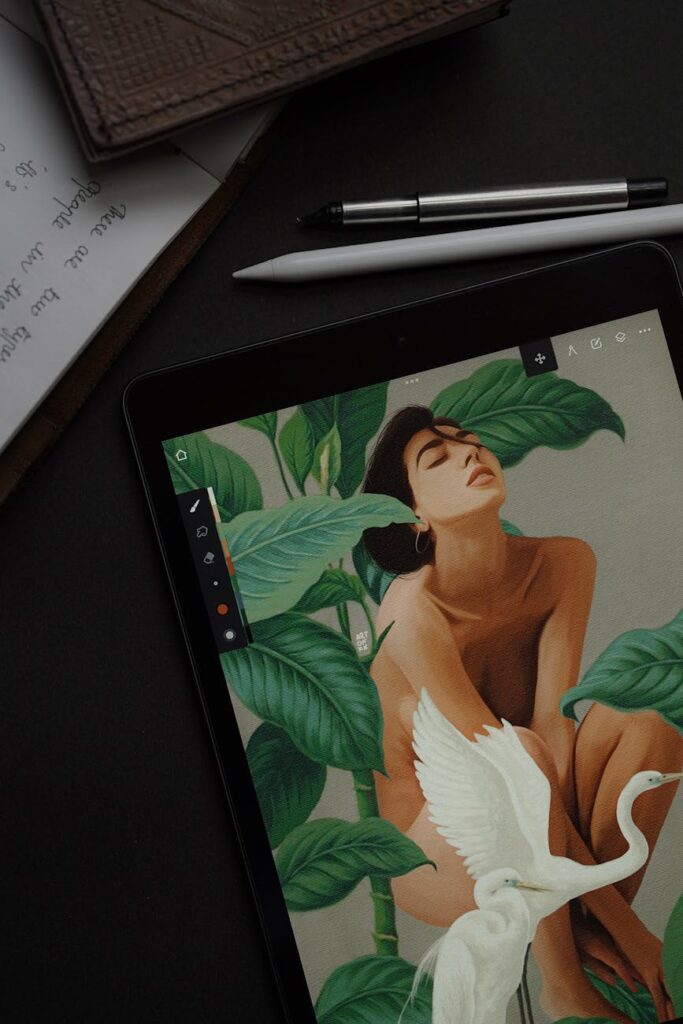
Yep, it’s not just images that Midjourney v7 empowers you with. You can animate images into videos. Imagine making motion art—animated frames from static pictures! This not only makes your art come alive but opens avenues for video art displays, GIFs, or short video content creation.
Experiment with different image sequences and watch them transform into moving art. This enhances the reach of your visual content. Share these on media platforms like Instagram or TikTok. There’s a massive visual audience awaiting stunning AI video work!
Learning Resources and Community Engagement
Don’t navigate the Midjourney v7 guide alone. Collate insights from YouTube tutorials or engage in Discord discussions. “How to” guides abound online with seasoned users eager to share tips and shortcuts. Try this: Join a Midjourney community; you’ll likely find nuggets of wisdom.
Utilize forums for feedback and improvement suggestions, they’re gold. You imitate and then innovate. Over time, your unique style will emerge, and the community will get to know you.
For further refinements, access the Midjourney Documentation. It’s constantly updated and a pivotal resource for troubleshooting and updates.
Conclusion
The Midjourney v7 guide simplifies art creation through AI, opening up realms previously erstricted to seasoned artists. From setting up to creating mesmerizing image sequences, its versatility broadens horizons for everyone willing to explore. Continue learning, join communities, and adapt new settings to amplify your creations. Visit AI Tool Reviews for deeper insights or explore AI Tutorials to master your craft.
Frequently Asked Questions
How do I choose the right plan on Midjourney v7?
Begin with assessing how frequently you’re going to use the tool. If you’re new, opt for a basic plan or trial. As you graduate to more advanced creations, consider upgrading to professional plans for advanced features.
Do I need technical skills to use Midjourney v7?
Not at all! It’s designed for ease of use, even for non-technical users. Familiarize yourself with the basic commands and settings. Over time, you’ll gain confidence in creating more complex artworks.
What if I face issues with image outputs?
Check the support documentation first; it’s quite comprehensive. Engage with community forums for peer advice. Users often share solutions to common problems you might encounter.
Can I make money with Midjourney v7 creations?
Absolutely! Many artists sell prints or digital art online. Establish an online presence, share your work on art marketplaces, and you could monetize your creations. Consider visiting Make Money Online for detailed strategies.