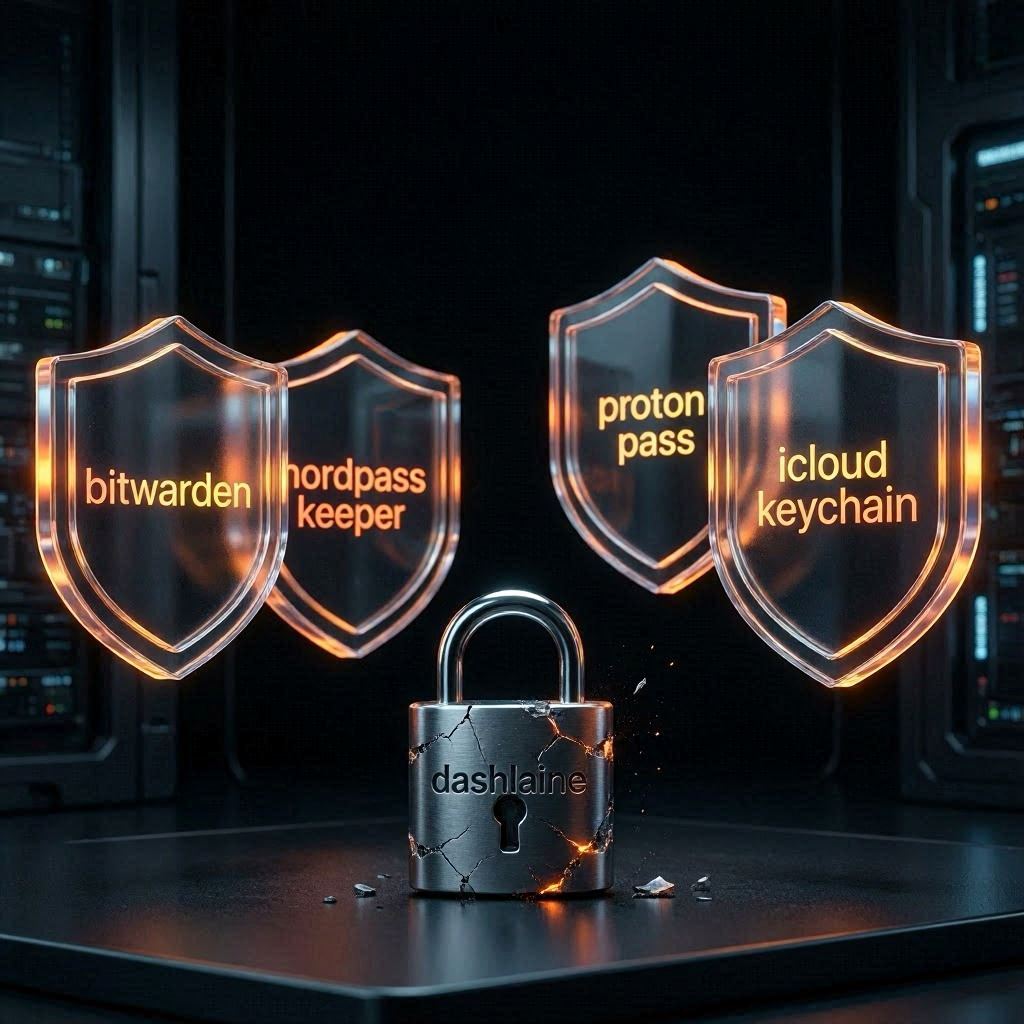
Quick answer: Dashlane discontinued its free plan on September 16, 2025. The best free replacement is Bitwarden — unlimited passwords, unlimited devices, open-source. The best paid alternative is NordPass at $1.49/month. Full comparison below.
Dashlane Free Plan Discontinued: Best Alternatives in 2026
Dashlane quietly killed its free plan on September 16, 2025. If you were one of the millions of users storing passwords for free, you now have two options: pay $4.99/month to keep using Dashlane, or switch to something else.
Most people should switch. Here’s exactly what to use instead — and how to move your passwords in under 5 minutes.
Why Did Dashlane Discontinue Its Free Plan?
Dashlane never made the announcement loudly. The free plan was already limited — only 25 passwords, one device — and they’d been nudging free users toward paid plans for years. In August 2025 they sent emails warning of the September 16 cutoff. After that date, free accounts were locked to read-only mode: you could view passwords but not add or edit them.
The business logic is straightforward. Free users cost money to support and rarely convert. Dashlane has been repositioning as a premium product — and at $4.99/month, it’s one of the more expensive password managers on the market.
The good news: you have better options, several of them free.
Best Dashlane Free Plan Alternatives in 2026
Password Manager
Free Plan
Paid Price
Best For
Bitwarden
✓ Unlimited passwords + devices
$10/year
Best free option overall
NordPass
✓ Limited (1 device active)
$1.49/mo
Best value paid option
Keeper
✗ No free plan
$2.92/mo
Best for families + business
Proton Pass
✓ Unlimited passwords + devices
$1.99/mo
Best for privacy-focused users
Dashlane
✗ Discontinued
$4.99/mo
Not recommended anymore
What Is the Best Free Dashlane Alternative?
Bitwarden is the best free Dashlane alternative in 2026. It offers unlimited password storage across unlimited devices at zero cost — more generous than Dashlane’s free plan ever was. It’s open-source, independently audited, and trusted by security researchers worldwide.
What you get for free with Bitwarden:
Unlimited passwords on unlimited devices
Browser extensions for Chrome, Firefox, Safari, Edge
Mobile apps for iOS and Android
Secure notes and identity storage
Two-factor authentication support
What you don’t get on the free plan: encrypted file attachments, emergency access, and advanced 2FA options. These are in the paid plan at $10/year — cheaper than almost every competitor.
The only real downside to Bitwarden: the interface is less polished than Dashlane or NordPass. It’s functional, not pretty. If that bothers you, go with NordPass.
NordPass is the best paid alternative to Dashlane in 2026. At $1.49/month on the 2-year plan, it costs less than a third of Dashlane’s premium price — and covers the same core features: AES-256 encryption, cross-device sync, breach monitoring, and a clean interface that actually works.
NordPass was built by Nord Security — the same team behind NordVPN — which means serious investment in security infrastructure. It passed an independent audit by Cure53 in 2024.
What makes NordPass worth paying for over Bitwarden’s free plan:
Email masking — create aliases so websites never get your real email
Data breach scanner — checks if your credentials appeared in known leaks
Passkey support — the next generation of passwordless login
Emergency access — trusted contact can access your vault if needed
Cleaner interface — noticeably more polished than Bitwarden
Keeper is excellent — but it’s built more for families and businesses than individual users replacing a free plan. At $2.92/month for personal use, it’s more expensive than NordPass but adds features like secure file storage (10GB), BreachWatch dark web monitoring, and the most polished family sharing in the category.
If you’re switching from Dashlane and need to share passwords with family members, Keeper’s family plan at $6.25/month for 5 users is worth considering. For a solo user just replacing a free plan, NordPass or Bitwarden are better fits.
How to Move Your Passwords Out of Dashlane in 5 Minutes
Dashlane still lets you export your data even on a locked account. Here’s how:
Log into Dashlane on desktop (web or app)
Go to My Account → Export Data
Choose Export to CSV — this downloads all your passwords
Open your new password manager (Bitwarden or NordPass)
Go to Import → Dashlane — both support direct Dashlane imports
Upload the CSV file — passwords migrate automatically
Delete the CSV file from your computer immediately after
The whole process takes under 5 minutes. Delete the CSV as soon as you’re done — it contains all your passwords in plain text.
NordPass vs Bitwarden: Which Should You Choose?
Choose Bitwarden if: you want completely free, unlimited storage, don’t mind a basic interface, and trust open-source software.
Choose NordPass if: you want a polished experience, email masking, breach monitoring, and passkey support — and $1.49/month is acceptable.
Both are dramatically better value than staying on Dashlane at $4.99/month.
Frequently Asked Questions
When did Dashlane discontinue its free plan?
Dashlane discontinued its free plan on September 16, 2025. Free accounts moved to read-only mode — you can view passwords but not add or edit them without upgrading to a paid plan.
Can I still use Dashlane for free?
No. After September 16, 2025, Dashlane’s free plan is read-only. You need to pay $4.99/month to continue using it fully, or export your data and switch to a free alternative like Bitwarden.
Is Bitwarden safe?
Yes. Bitwarden is open-source and has passed independent security audits. Your vault is encrypted with AES-256 before it leaves your device — Bitwarden cannot see your passwords even if they wanted to.
Is NordPass better than Dashlane?
For most users, yes — especially at the price. NordPass costs $1.49/month vs Dashlane’s $4.99/month and covers the same core features. Dashlane has a slightly better UI and more advanced business features, but for personal use NordPass wins on value.
What is the best completely free password manager in 2026?
Bitwarden is the best free password manager in 2026. It offers unlimited passwords on unlimited devices at no cost, with strong security and open-source transparency.
How do I export passwords from Dashlane?
Go to My Account → Export Data → Export to CSV in the Dashlane desktop app or web interface. Both Bitwarden and NordPass support direct imports from Dashlane CSV files.